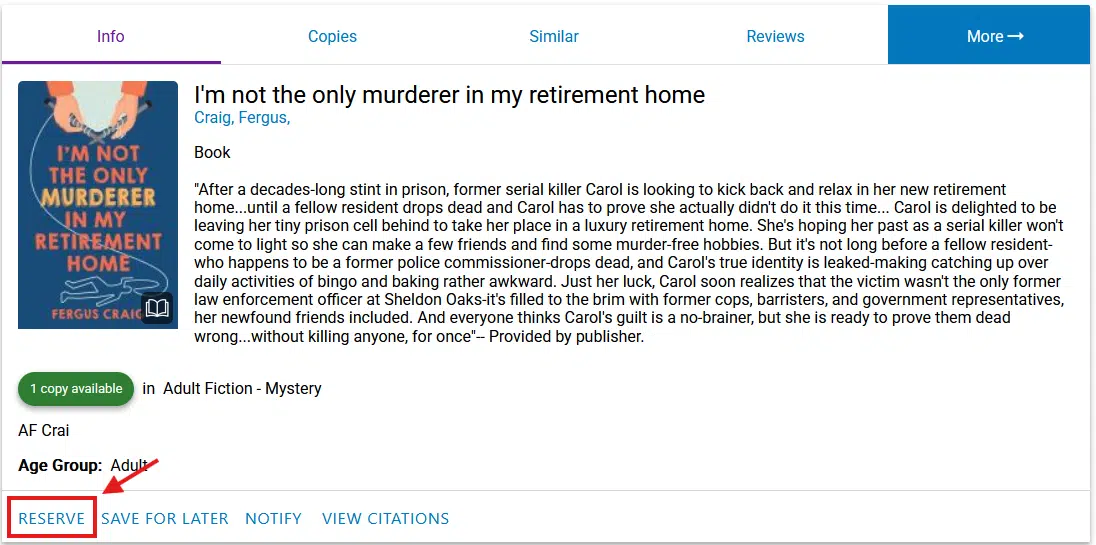
Placing a book on hold is not just for books that are unavailable. When you do it online we will pull the books and have them ready at the front desk for you to pick up.
To put something on hold all you will have to do is First, search for the book you want. Second, click on the book. Third, click the button in the lower left that says reserve. Finally, hit the button that says reserve that will appear in the top right. There are some pictures below to aid you.